Have you ever needed to convert a JPG image into PNG but ended up using a slow website filled with ads, upload limits, or unnecessary steps?
Maybe you wanted to keep your screenshots sharp, prepare an image for editing, or simply needed a PNG version without installing any software.
If that sounds familiar, you’re not alone.
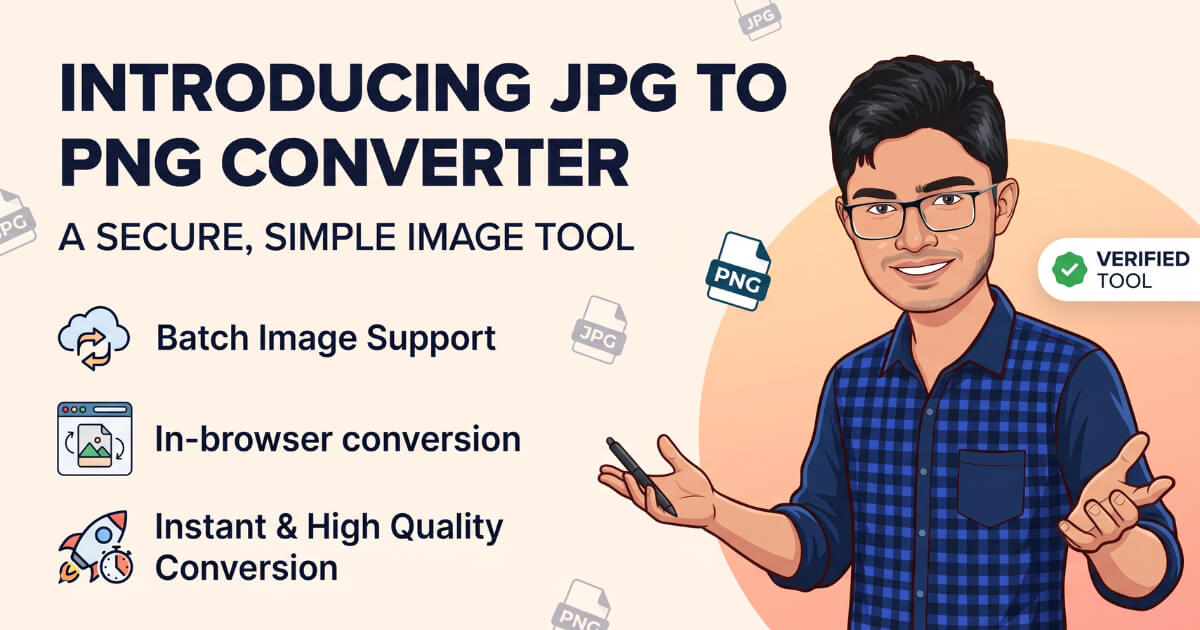
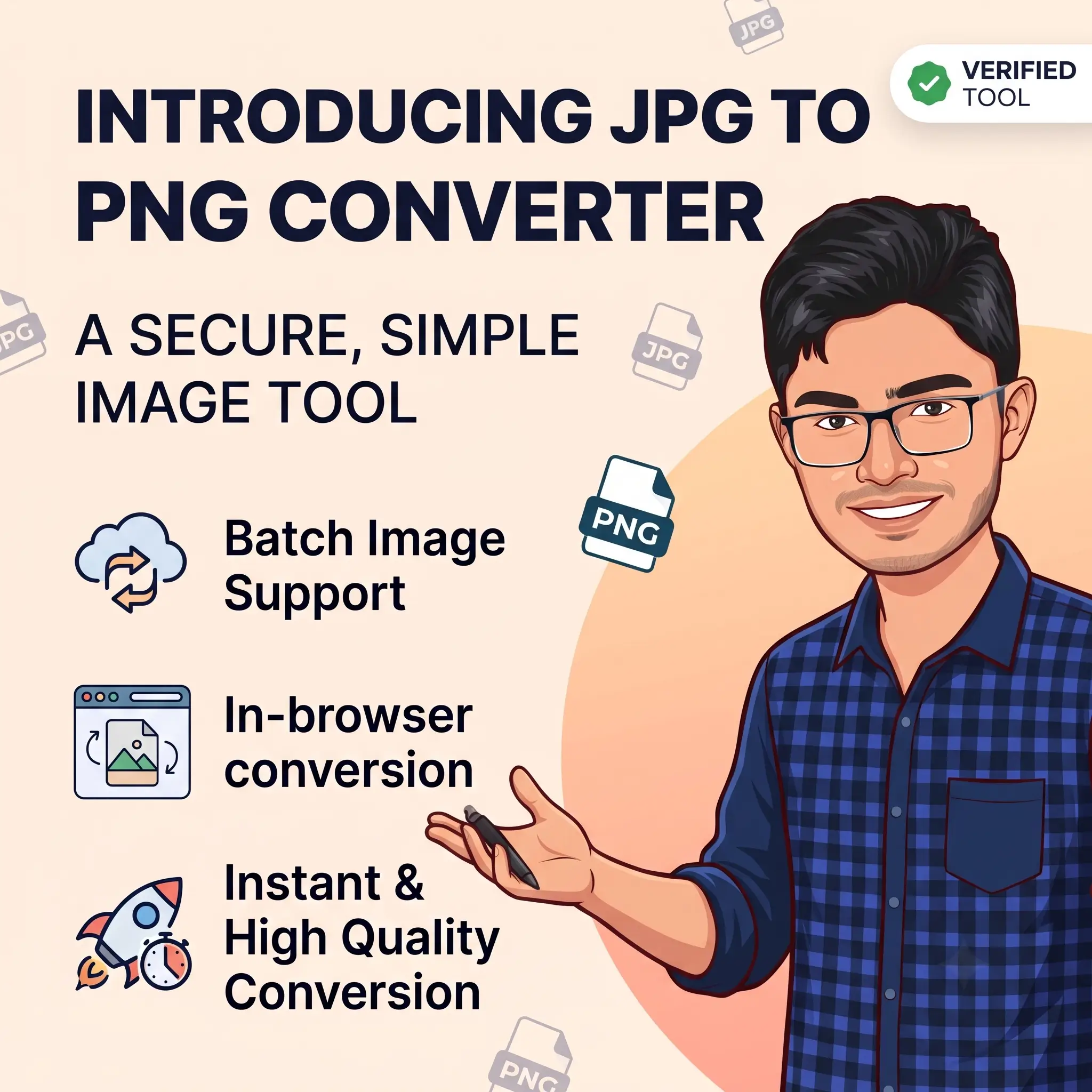
Today, I’m excited to introduce VONUC’s JPG to PNG Converter, a free online tool that makes JPG to PNG conversion fast, simple, and private.
We built this tool with one goal in mind: create an image converter that anyone can use without creating an account, installing software, or waiting for files to upload to a server.
Why We Built This Tool
Many online image converters are more complicated than they need to be. Some limit the number of files you can convert, while others require registration or upload every image to their servers.
We wanted something different.
Our converter works directly in your browser, making the process quicker while helping protect your privacy. Whether you are converting one image or many, the experience stays simple from start to finish.
What Makes It Different?
VONUC’s JPG to PNG Converter includes features that help both beginners and experienced users.
- Convert one or multiple JPG images.
- Drag and drop files or choose them from your device.
- Convert images directly from remote JPG URLs.
- Paste multiple image links for batch conversion.
- Preview images before conversion.
- Download a single PNG or all converted files as a ZIP.
- Everything works directly inside your browser.
- No registration or installation required.
Built for Everyday Users
This tool is useful for bloggers, students, designers, developers, content creators, teachers, businesses, and anyone who works with images.
Whether you are preparing graphics for your website, editing screenshots, organizing design assets, or converting multiple images for a project, the converter helps you finish the job quickly.
Your Privacy Matters
Privacy was one of our biggest priorities while building this tool.
Your images are processed locally in your browser whenever possible. That means you stay in control of your files without needing to create an account or permanently upload your images for conversion.
More Free Tools Are Coming
VONUC is building a growing collection of free online tools designed to make everyday tasks easier.
Our goal is simple: provide fast, reliable, and easy-to-use tools that anyone can access from any device.
This JPG to PNG Converter is one of many tools we plan to release, and we have more image, SEO, developer, and productivity tools on the way.
Try It Today
If you need a quick and reliable way to convert JPG images into PNG, give VONUC’s JPG to PNG Converter a try.
As always, thank you for supporting VONUC. If you have an idea for a tool or a suggestion that could improve our existing tools, please send us your suggestions.
Yours Truly,
Mehedi Hasan
Founder of VONUC



Comments
Congratulations, you have the opportunity to be the first commenter on this article. Have a question or suggestion? Please leave a comment to start the discussion.