Large images are one of the biggest reasons websites become slow. They take longer to upload, use more storage, increase bandwidth usage, and can make visitors wait for pages to load.
If you’ve ever searched for an image compressor online, you’ve probably seen websites that limit how many files you can process, ask you to create an account, show too many ads, or make you go through several unnecessary steps before you can even download your image.
I experienced the same problems.
As someone who manages websites every day, I wanted a tool that was simple, fast, and enjoyable to use. Instead of jumping between different websites to compress images, convert formats, or process multiple files, I decided to build one solution that does everything in one place.
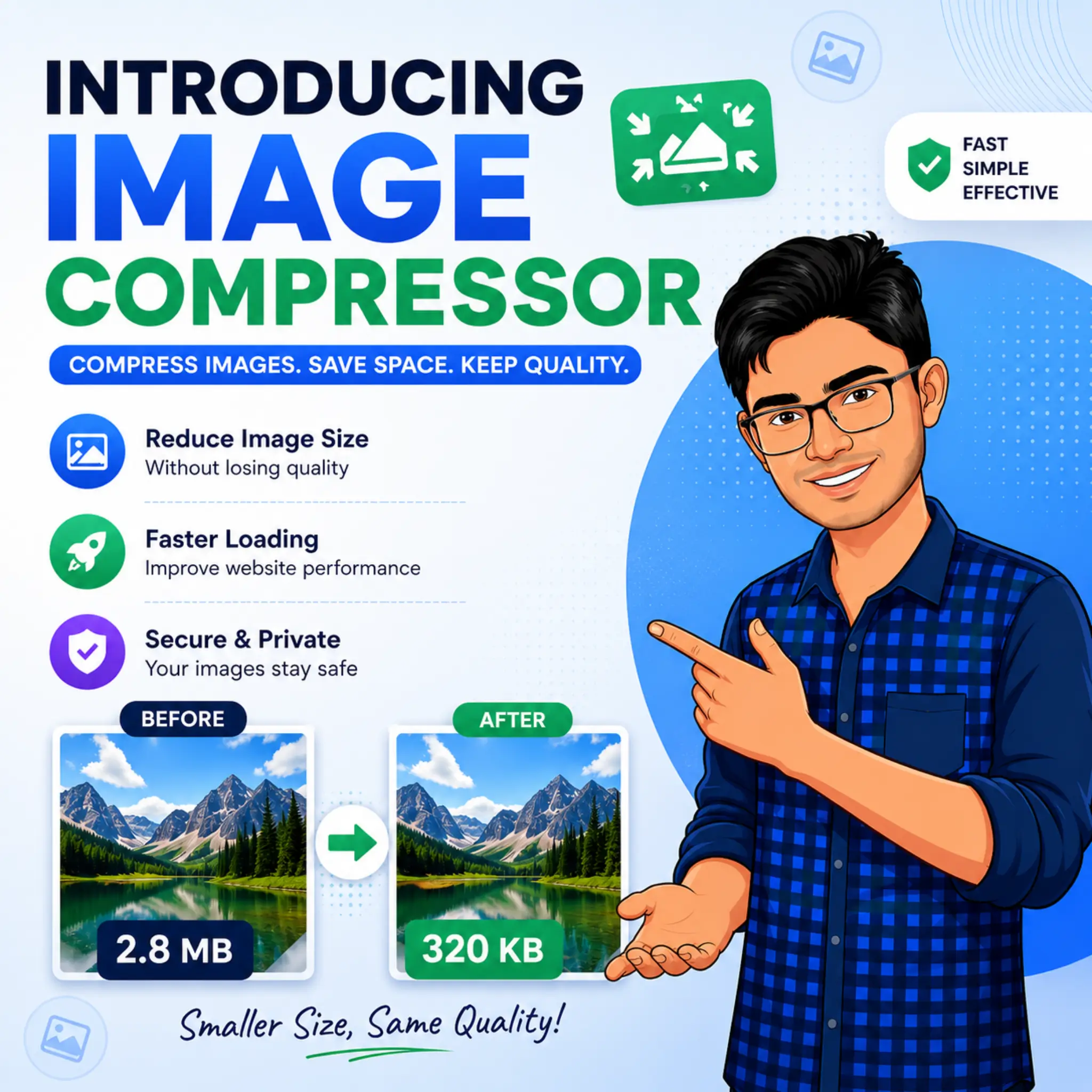
That’s why I’m excited to introduce VONUC Image Compressor.
It is a free online tool designed to help anyone compress images quickly, convert them into different formats when needed, and download optimized files without making the process complicated.
Whether you’re working with one image or hundreds, VONUC Image Compressor is built to save you time.

Why I Created VONUC Image Compressor
Every great tool starts with a real problem.
While working on my own websites, I noticed that compressing images was often more difficult than it should be. Some websites limited file sizes. Others restricted the number of images you could upload. Many forced users to register before using the service, while others filled the page with advertisements.
Even worse, many tools only did one job. If you wanted to compress an image and then convert it into another format, you usually had to visit a second website.
That wasted time.
I wanted to build something better.
The goal wasn’t simply to make another image compressor. The goal was to create a tool that feels simple from the moment you open it. No confusing settings. No unnecessary clicks. Just upload your images, compress them, download them, and move on with your work.
Built for Real People, Not Just Professionals
You don’t need to be a designer or developer to use this tool.
VONUC Image Compressor is made for anyone who works with images.
It can help bloggers preparing article images, students submitting assignments, teachers creating learning materials, online store owners optimizing product photos, photographers sharing galleries, businesses managing marketing content, and everyday users who simply want smaller image files.
If you have images that are too large, this tool was built for you.
Everything You Need in One Place
Instead of adding dozens of complicated features, I focused on the things people actually need every day.
With VONUC Image Compressor, you can:
- Compress a single image or multiple images at the same time.
- Drag and drop files directly into the browser.
- Select images from your device with one click.
- Fetch images from remote image URLs.
- Add multiple image links for batch processing.
- Preview your images before compression begins.
- Convert compressed images to WEBP, JPG, or PNG if needed.
- Download individual files or receive multiple images together as a ZIP file.
- Start another compression session without refreshing the page.
Every feature has been added because it solves a real problem, not because it looks impressive.
Made to Save You Time
Time matters.
If you’re compressing dozens of images every week, even saving a few seconds on each one makes a big difference over time.
That’s why the workflow is intentionally simple.
Upload your images.
Choose your settings if you want to convert formats.
Click Compress.
Download your optimized files.
That’s it.
You shouldn’t need to read a guide before using an image compressor.
Perfect for Websites and Online Content
One of the easiest ways to improve a website is by optimizing its images.
Smaller images usually load faster, use less storage, and require less bandwidth. They also make uploading content easier and help visitors enjoy a smoother browsing experience.
Whether you’re publishing blog posts, product pages, portfolios, documentation, tutorials, or social media graphics, compressing your images before uploading them is always a good habit.
That’s exactly what this tool is designed to help with.
Simple Enough for Beginners
Many online tools include settings that most people never use.
I wanted something different.
Even if you’ve never compressed an image before, you should be able to understand how the tool works within a few seconds.
The interface stays clean, the buttons are easy to understand, and the process follows a natural order from upload to download.
There are no confusing menus or technical knowledge required.
Designed with Flexibility in Mind
Not everyone works the same way.
Some people upload images from their computer.
Others already have images hosted online.
Some users need one compressed file.
Others need fifty.
That’s why VONUC Image Compressor supports different workflows without making the interface feel complicated.
Whether you’re processing one image or many, the experience stays familiar and easy to follow.
Privacy Is Always Important
When people use online tools, they naturally wonder what happens to their files.
That is why privacy has always been one of my priorities while developing VONUC tools.
I believe online utilities should respect users and make the process as straightforward as possible.
You should be able to focus on your work instead of worrying about unnecessary barriers.
More Than Just an Image Compressor
VONUC Image Compressor is not the final destination.
It is one step in a much larger journey.
My vision for VONUC is to build a growing collection of free online tools that help people solve everyday problems without complicated software or expensive subscriptions.
Over time, you’ll see many more image tools, SEO tools, developer utilities, productivity tools, calculators, converters, and other useful resources added to the platform.
Every new tool follows the same philosophy:
Keep it simple.
Keep it fast.
Keep it useful.
Thank You for Supporting VONUC
Building useful tools takes time, testing, and continuous improvement.
Every visitor who uses VONUC helps make these tools better. Your feedback, suggestions, and ideas play an important role in shaping future updates and new features.
If you have an idea for improving this tool or creating a new one, then please send your suggestions.
Thank you for supporting VONUC and being part of this journey.
I hope VONUC Image Compressor saves you time and makes your work just a little easier.
Yours Truly,
Mehedi Hasan
Founder of VONUC
If you found this article helpful, follow us on Facebook. You can also connect with us on X (Twitter) and Instagram.




Comments
Congratulations, you have the opportunity to be the first commenter on this article. Have a question or suggestion? Please leave a comment to start the discussion.