
How to Remove AI Metadata from Images and Videos Online Without Losing Quality
AI-generated images and videos may contain hidden information that identifies how they were created. This information, known as metadata, can include the name of an AI tool, content details, or other data stored inside the file.
VONUC AI Label Remover is a free online tool designed to remove supported AI-related metadata from images and videos without losing quality. It preserves the original image format, resolution, image data, and transparency. You can process JPG, PNG, WebP, MP4, M4V, and WebM files directly in your browser without installing software.
Your files are processed on your device. They are not uploaded to a server or stored on a remote system. This makes the tool a convenient choice for people who want to clean supported media files while keeping their original quality and protecting their privacy.
This guide explains how AI metadata works, why you may want to remove it, how to use VONUC AI Label Remover, and how its main features make the process simple.
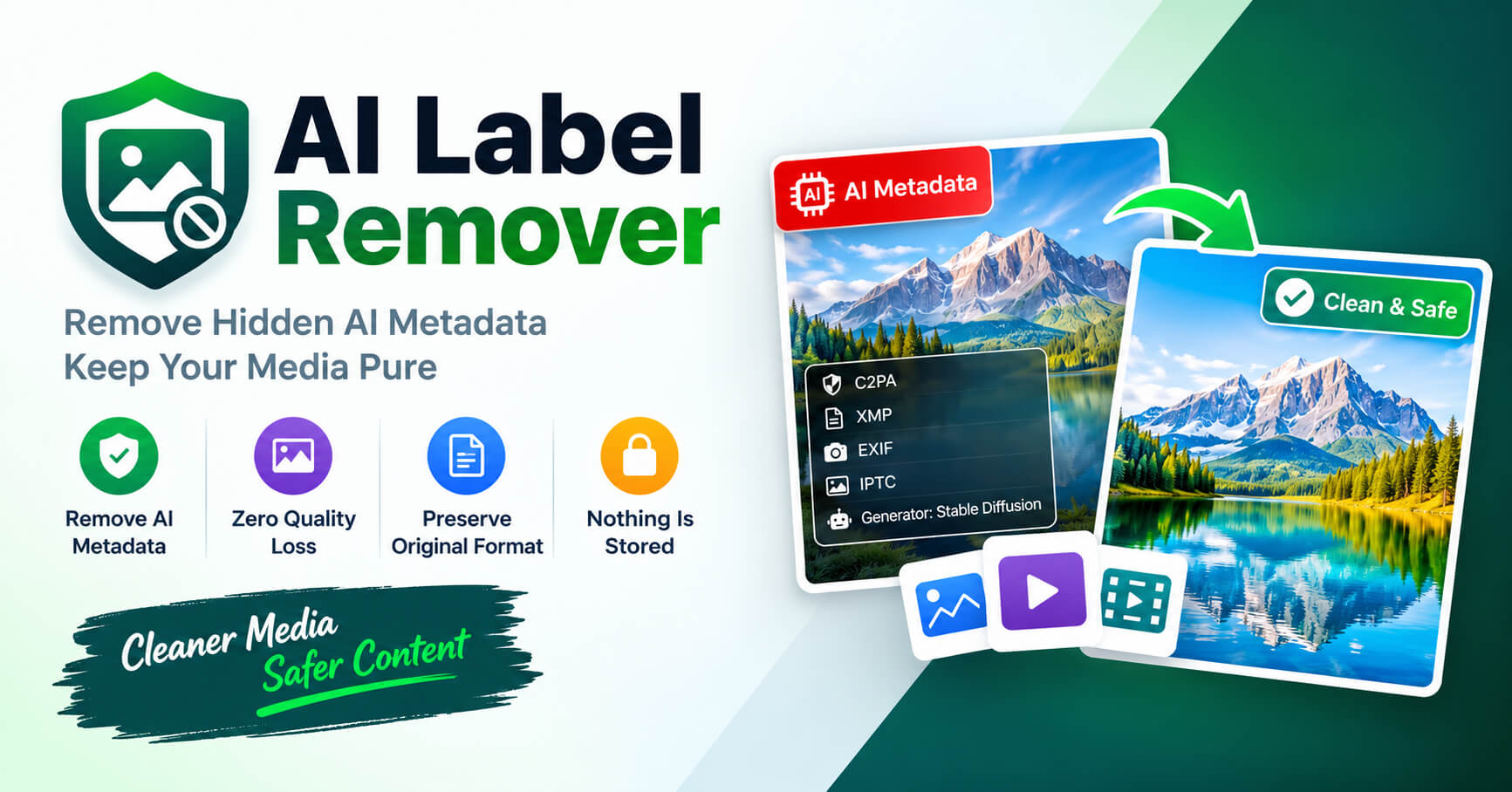
What Is AI Metadata?
AI metadata is information stored inside an image or video file. It may describe the software used to create the content, the source of the file, or details about how the media was generated or edited.
Some AI tools add information that can identify the platform or application used to create an image or video. Other files may contain Content Credentials or technical details about the content.
This information is not always visible when you open an image or play a video. A file may look completely normal while still containing hidden metadata.
Common types of AI-related metadata include:
- AI generator information: Details that may identify the AI tool used to create the media.
- EXIF metadata: Information that may include camera details, dates, and other image properties.
- XMP metadata: Data that may describe the source, editing history, or properties of an image.
- IPTC information: Image information that can include descriptions, credits, and certain AI-related tags.
- Content Credentials: Information that may describe the origin or editing history of digital content.
- Video metadata: Information stored inside a video file alongside its video and audio data.
Not every image or video contains the same metadata. The information depends on the AI tool, file format, and settings used when the file was created or saved.
Why Remove AI Metadata from Images and Videos?
There are many reasons to remove unnecessary metadata from digital media. You may want to prepare an image for a creative project, clean supported information before sharing a file, or create a copy without certain embedded details.
VONUC AI Label Remover makes this process easy by allowing you to select, process, and download supported images and videos from one simple interface.
- Remove supported AI metadata: Clean supported AI-related information stored inside media files.
- Preserve original image quality: Remove supported metadata without re-encoding the original image data.
- Keep the original format: Preserve JPG, PNG, and WebP formats without unnecessary format conversion.
- Preserve transparency: Keep transparent backgrounds in supported PNG and WebP images.
- Process videos: Remove supported metadata from MP4, M4V, and WebM videos.
- Protect your privacy: Process files directly in your browser without uploading them to a remote server.
- Save time: Select multiple files and process them in one session.
- Download easily: Save a single result or download multiple processed files in a ZIP archive.
Supported AI Image and Video Generators
VONUC AI Label Remover is designed to work with supported media created using popular AI tools. These include:
- ChatGPT and OpenAI DALL-E
- Google Gemini and Imagen
- Midjourney
- Adobe Firefly and Photoshop AI
- Meta AI
- Black Forest Labs Flux
- Stable Diffusion and ComfyUI
- Microsoft Bing Image Creator and Designer
- Leonardo.Ai
- Ideogram AI
- Runway AI
- Kling AI
- Luma Dream Machine
- Pika Labs
- Canva Magic Media
The tool also checks for supported metadata markers associated with C2PA, JUMBF, EXIF, XMP, IPTC, and other media information.
These are examples of supported detection targets. Not every file created by these platforms contains detectable metadata.
Supported Image and Video Formats
VONUC AI Label Remover supports common image and video formats. You can select supported files directly from your device and process them without installing additional software.
| Media Type | Supported Formats | Key Benefit |
|---|---|---|
| Images | JPG, JPEG, JPE | Lossless metadata removal while preserving the original image data. |
| Images | PNG | Preserves image data and transparent backgrounds during supported lossless processing. |
| Images | WebP | Preserves the original format, image data, and transparency during supported lossless processing. |
| Videos | MP4, M4V | Processes supported video files without requiring video re-encoding during the supported lossless processing path. |
| Videos | WebM | Processes supported video files while preserving the original video and audio quality. |
The tool is designed to preserve the original format rather than unnecessarily converting files to another format. This helps keep your media consistent with your original files.
How to Remove AI Metadata with VONUC AI Label Remover
VONUC AI Label Remover is designed to make metadata removal simple. You can complete the process directly in your browser without uploading your files to a remote server.
Follow these steps:
- Select your files: Click the upload area or drag and drop your supported images and videos into the tool.
- Preview your files: Review the selected images and videos in the preview area.
- Start processing: Click the Remove AI Labels Now button to begin.
- Follow the progress: Check the progress bar and status messages while your files are processed.
- Download your files: Click Download to save the processed file. If you selected multiple files, download the successful results together in a ZIP archive.
- Start another session: Click Clear / Select Again to select new files and repeat the process.
The tool creates new output files for you to download. Your original files remain unchanged on your device.
Key Features of VONUC AI Label Remover
VONUC AI Label Remover combines supported metadata removal methods with a simple upload and download interface. Its features are designed to provide a smooth experience for both individual files and batch processing.
| Feature | What It Does | Why It Helps |
|---|---|---|
| Click-to-upload | Lets you select files from your device. | Makes file selection easy. |
| Drag and drop | Lets you drop supported media into the upload area. | Provides a convenient way to add files. |
| Zero-quality-loss image processing | Removes supported metadata without re-encoding image data on the lossless processing path. | Preserves the original image data. |
| Original format preservation | Keeps supported images in their original JPG, PNG, or WebP format. | Avoids unnecessary format conversion. |
| Transparency preservation | Preserves existing transparency in supported PNG and WebP images. | Protects transparent logos, icons, and graphics. |
| Video metadata removal | Processes supported video files and removes supported metadata. | Helps prepare videos for other uses. |
| Browser-based processing | Processes supported media directly in your browser. | Keeps files on your device and avoids remote file uploads. |
| Multiple file selection | Lets you select several images and videos in one session. | Reduces repetitive work. |
| Centered file previews | Shows previews of selected images and videos. | Helps you check your selection. |
| Progress tracking | Shows the processing progress and status. | Makes it easier to follow each task. |
| Automatic filenames | Creates output filenames beginning with “vonuc_” and ending with “_cleaned” before the extension. | Makes processed files easy to identify. |
| ZIP download | Combines multiple successful results into one ZIP archive. | Makes batch downloads easier. |
| Clear / Select Again | Clears the current selection and lets you select more files. | Makes repeated use simple. |
How Lossless Image Metadata Removal Works
Images contain visual data and may also contain additional information stored in separate sections of the file. In supported formats, some metadata can be removed without changing the actual image data.
VONUC AI Label Remover uses lossless binary processing for supported JPEG, PNG, and WebP files. Instead of decoding and re-encoding the image, this method removes selected metadata sections directly from the file.
This allows the tool to preserve the original image data without adding compression loss.
The process works with different image formats:
- JPEG: Removes supported metadata segments while keeping the original compressed image data.
- PNG: Removes supported metadata chunks while preserving the image data and transparency information.
- WebP: Removes supported metadata chunks while retaining the image data and transparency information.
When lossless binary processing succeeds, the image does not need to be re-encoded. Its original visual data, resolution, and supported transparency information remain unchanged.
This is especially useful for logos, screenshots, illustrations, transparent graphics, and images that need to retain their original visual details.
Zero Quality Loss and Original Format Preservation
Image quality is important when working with digital media. Re-encoding an image may change its visual data, especially when a lossy format such as JPEG is used.
VONUC AI Label Remover is designed to remove supported metadata without changing the original image data or unnecessarily converting the image to another format.
The main benefits include:
- 0% additional image quality loss: The lossless processing method does not re-encode the original image data.
- Original resolution: The original image dimensions are preserved.
- Original file format: Supported JPG, PNG, and WebP files retain their format.
- Full transparency preservation: Existing transparent areas remain intact in supported PNG and WebP files.
- No unnecessary resizing: The tool is designed to preserve the original image dimensions.
- Unchanged original files: The files on your device are not overwritten.
This makes VONUC AI Label Remover useful for people who need to clean image metadata without changing the appearance of their pictures or graphics.
Privacy and Security: Your Files Stay on Your Device
Privacy is one of the key benefits of VONUC AI Label Remover. The tool is designed to process your files directly inside your web browser.
Your images and videos do not need to be uploaded to a remote server for processing. The tool works with the files on your device and creates downloadable results in your browser.
This helps keep your media private throughout the process.
- 100% browser-based processing: Supported media is processed directly in your browser.
- No server uploads: Your images and videos are not sent to a remote server for processing.
- No server storage: The tool does not save your images or videos on a remote server.
- No cloud processing: Your files do not need to be sent to a cloud service for metadata removal.
- No software installation: Use the tool through your web browser.
- Original files stay untouched: Your source files remain on your device.
- Simple access: Select, process, and download your files from one interface.
Because processing happens directly in your browser, you can clean supported media without sending your private images or videos to an external processing service.
How Batch Processing Makes Work Easier
Processing multiple files individually can take extra time. Batch processing allows you to select several supported images and videos in one session.
VONUC AI Label Remover displays previews of your selected files and processes them in sequence. You can follow the progress as the tool works through the selected media.
When the process is complete, the successful output files are combined into a ZIP archive. You can download the archive and extract the files on your device.
Batch processing is useful for:
- Content creators preparing multiple images for online projects.
- Bloggers managing images for articles and web pages.
- Designers working with logos, screenshots, and graphics.
- Users processing several supported video files.
- Anyone who wants to download multiple results in one archive.
The output files use consistent names, making them easier to identify and organize after downloading.
Automatic Output Filenames
VONUC AI Label Remover uses a consistent filename format for processed files. Each output filename begins with “vonuc_” and includes “_cleaned” before the file extension.
Examples include:
| Original File | Processed File |
|---|---|
| image.jpg | vonuc_image_cleaned.jpg |
| logo.png | vonuc_logo_cleaned.png |
| graphic.webp | vonuc_graphic_cleaned.webp |
| video.mp4 | vonuc_video_cleaned.mp4 |
If several selected files have the same name, the tool adds a number to avoid duplicate output filenames.
When multiple files are selected, the ZIP archive uses a filename beginning with “vonuc_media_” followed by the date and time.
This naming system helps you recognize processed files without confusing them with your original media.
Can Removing AI Metadata Remove Social Media AI Labels?
Social media platforms may use embedded metadata and other methods to identify AI-generated content. Removing supported metadata can change information stored inside a media file, but it cannot guarantee how another platform will classify that content.
VONUC AI Label Remover focuses on supported metadata inside images and videos. It does not control the systems used by Instagram, Facebook, TikTok, or other platforms.
Some platforms may use additional detection methods, including invisible watermarks or automated content analysis. These methods are separate from ordinary metadata removal.
If a platform requires you to identify or disclose AI-generated content, follow its current rules when publishing your media.
Best Use Cases for VONUC AI Label Remover
VONUC AI Label Remover can help with many everyday media tasks.
- Image editing: Remove supported metadata before adding an image to a creative workflow.
- Social media preparation: Prepare supported images and videos for uploading while following platform rules.
- Website publishing: Clean supported images used in blog posts, websites, and digital projects.
- Transparent graphics: Process PNG and WebP logos or icons while preserving transparency.
- Media organization: Identify processed copies using the automatic filename format.
- Batch processing: Handle several media files in one session and download them together.
Because the tool works in your browser, you can use it without installing a separate desktop application or sending your media to a remote processing service.
Frequently Asked Questions About VONUC AI Label Remover
1. What does VONUC AI Label Remover do?
It removes supported AI-related metadata from images and videos and creates processed files for download.
2. Does it reduce image quality?
No additional image quality loss occurs when the lossless binary-processing method succeeds. This method removes supported metadata without re-encoding the original image data.
3. Does it preserve the original image format?
Yes. The tool is designed to keep supported JPG, PNG, and WebP images in their original formats.
4. Does it preserve transparent backgrounds?
Yes. Supported lossless processing preserves existing transparency in PNG and WebP images.
5. Are my images and videos uploaded to a server?
No. The tool is designed to process supported media directly in your browser without uploading your files to a remote server.
6. Are my files stored on a remote server?
No. Your images and videos are processed in your browser and are not stored on a remote server by the tool.
7. Which file formats can I process?
You can select supported JPG, JPEG, JPE, PNG, WebP, MP4, M4V, and WebM files.
8. Can I process multiple files at once?
Yes. Select multiple supported images and videos, review their previews, and start processing. Successful results can be downloaded together as a ZIP archive.
9. Do I need to install software?
No. VONUC AI Label Remover works through your web browser.
10. Can it remove every AI watermark?
The tool removes supported embedded metadata. It cannot guarantee the removal of every invisible watermark or other AI identification method.
11. Will social media platforms remove their AI labels after processing?
That depends on how each platform identifies AI-generated content. Metadata removal alone cannot guarantee that an AI label will disappear.
12. Will processing change my original files?
No. The original files on your device remain unchanged. The tool creates new output files for you to download.
13. Why does processing sometimes take longer?
Processing time depends on the number of files, their sizes, your device’s available memory, and your browser’s performance.
Tips for Getting the Best Results
Follow these simple tips to make the most of VONUC AI Label Remover.
- Select a supported image or video format.
- Review the file previews before starting the process.
- Keep your original files as backups for important projects.
- Check the downloaded images to confirm their format and transparency.
- Play processed videos to make sure they work as expected.
- Review the processing status if any selected file fails.
- Check the ZIP archive after downloading multiple results.
- Use an updated browser for the best compatibility.
- Follow the applicable rules when publishing AI-generated content.
Terms of Use
Use VONUC AI Label Remover only with files you own or have permission to process. You are responsible for ensuring that your use of the tool follows applicable laws, copyright rules, privacy rights, and the terms of the platforms where you publish your content.
Removing metadata does not change the ownership of a file or give you permission to use content that belongs to someone else.
You should also follow any applicable rules that require AI-generated content to be identified or disclosed.
- Process only files you have the right to use.
- Respect the privacy and rights of other people.
- Do not use metadata removal to mislead others about how content was created.
- Follow applicable AI disclosure requirements.
- Keep backups of important original media.
Final Note
VONUC AI Label Remover provides a simple way to remove supported AI metadata from images and videos while preserving original image data through its lossless processing method. It supports common image formats, selected video formats, transparent images, multiple file selection, previews, progress tracking, automatic filenames, and ZIP downloads.
With browser-based processing, no remote file uploads, and no server-side storage of your media, the tool is designed to provide a private and convenient experience.
Whether you are preparing images for creative projects, working with transparent graphics, or processing multiple supported files, VONUC AI Label Remover helps you clean your media while keeping your original files untouched.